01
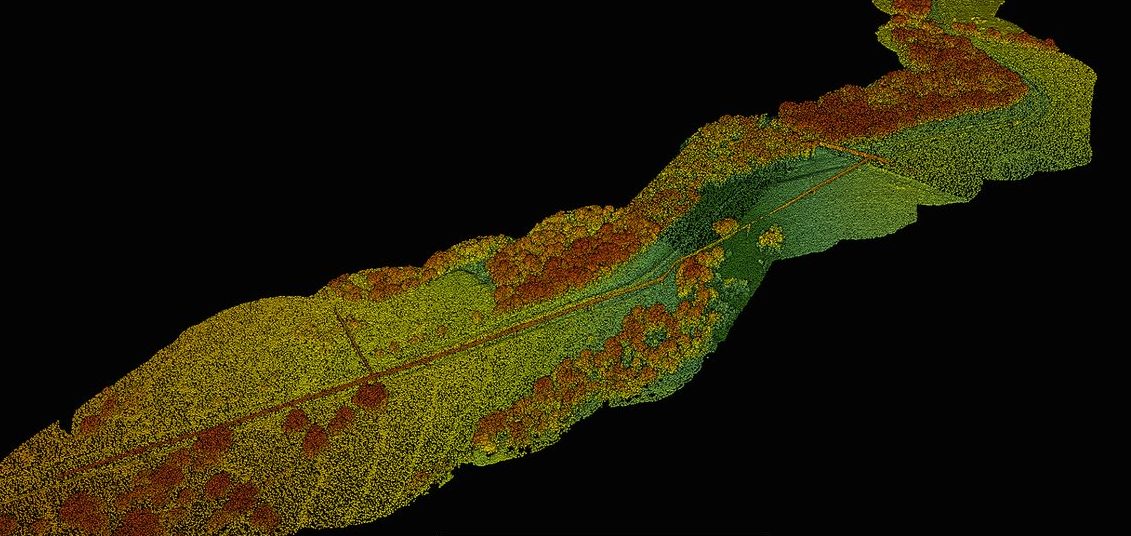
SkyView Mapping & Processing
Process ortho, elevation, and point clouds on your own hardware, then host and share.
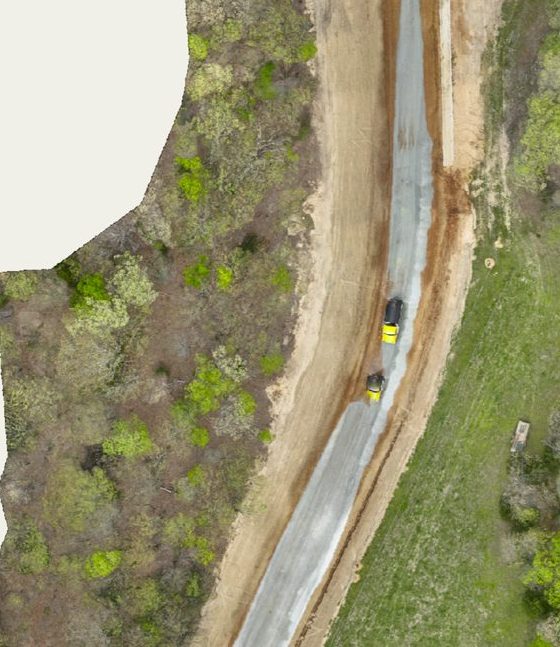
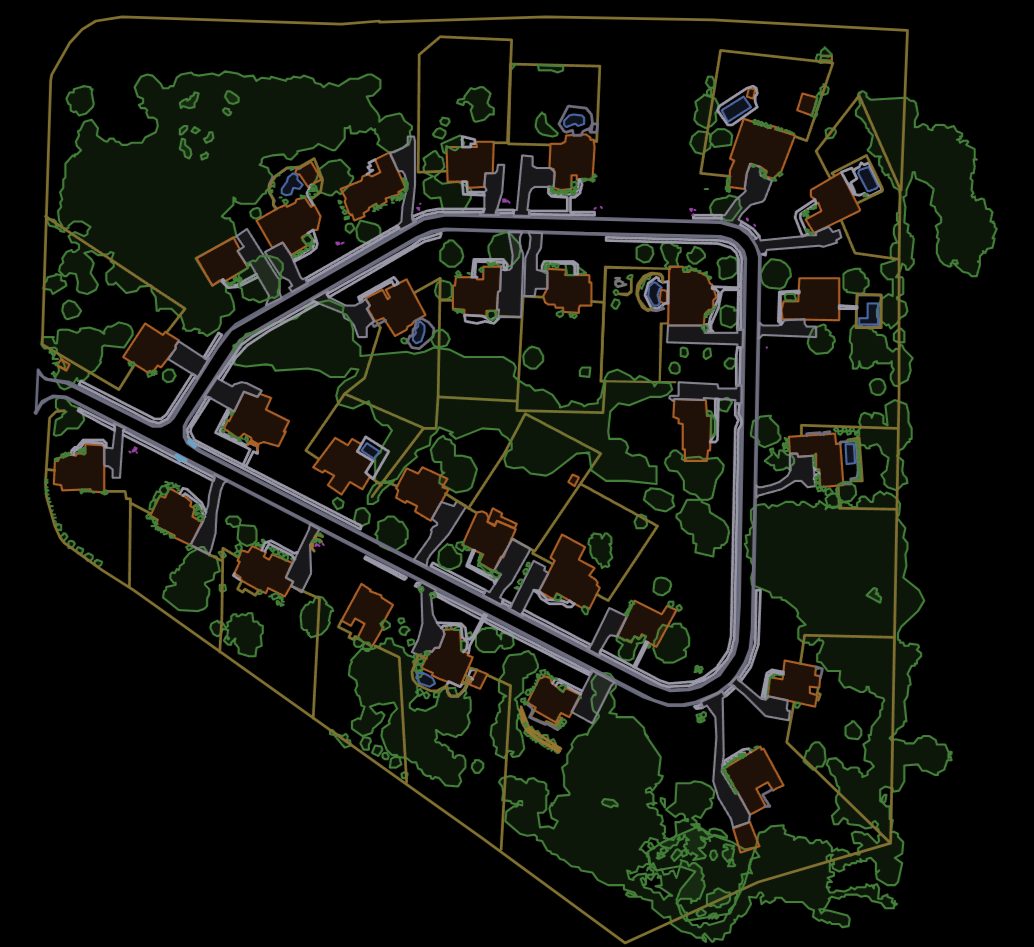
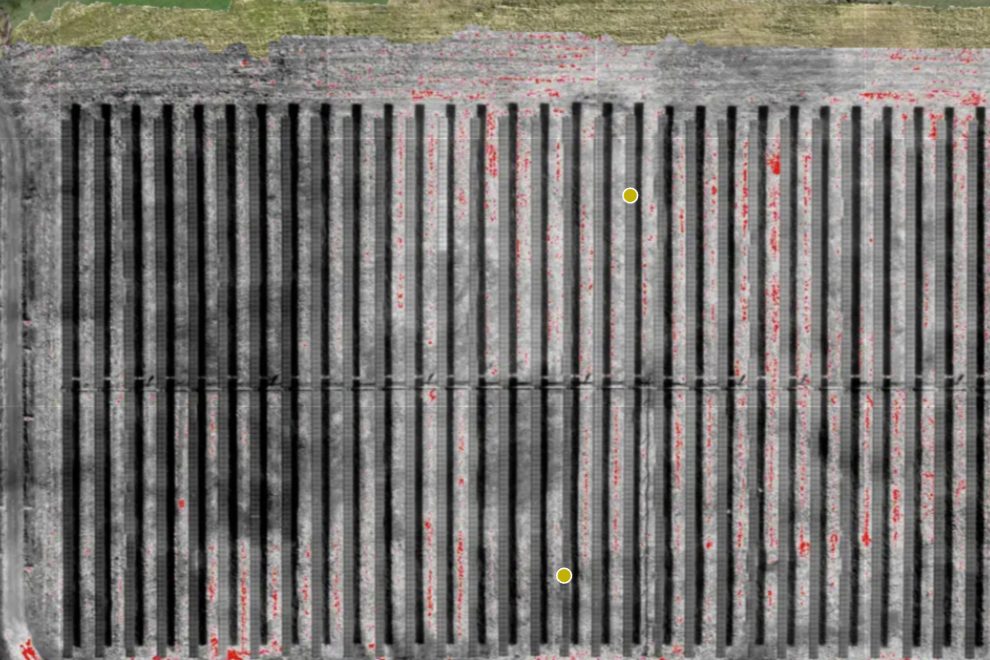
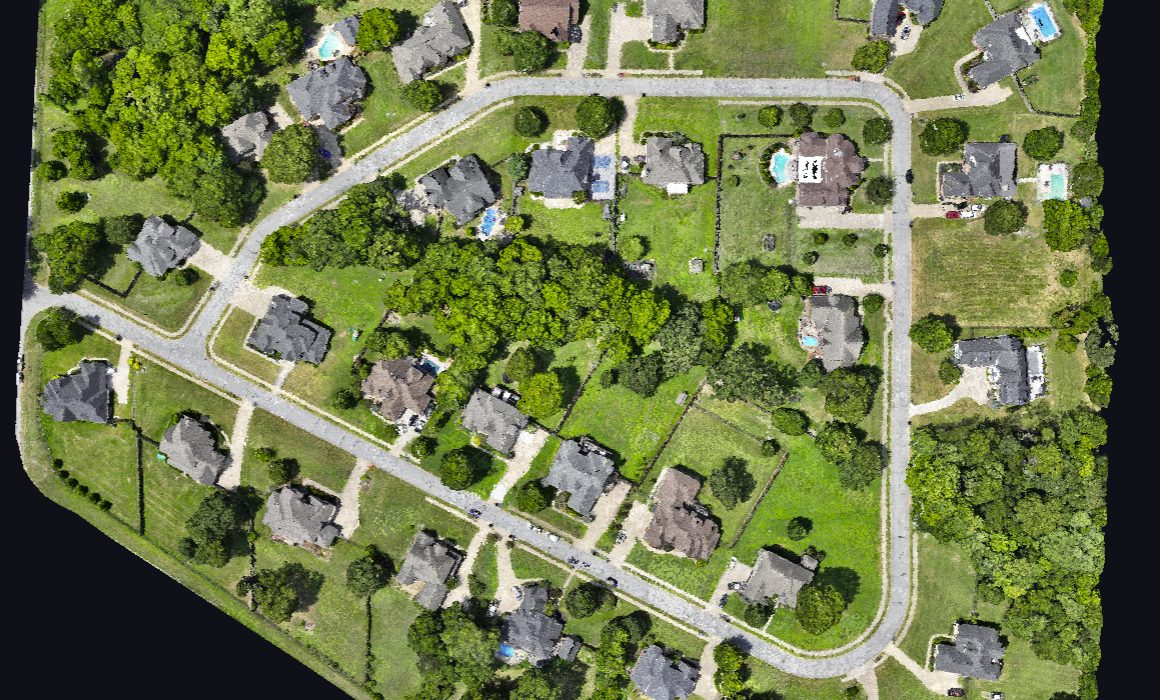
Process orthomosaics, elevation models, and point clouds on your own hardware with the SkyView desktop app, then upload finished maps to PilotLedger to host, view, and share with clients. No per-map processing fees, no cloud lock-in.
02
Flight Deck Mission Planning
Automated flight paths, terrain-aware missions, and fleet ops. Coming September.
Automated flight paths, terrain-aware missions, multi-mission battery planning, and crew assignment. Plans flow straight into job sheets and flight logs. Coming October 2026.
03
Client CRM & Pipeline
Every deal, every stage, every follow-up.
Full client database with sales pipeline, lead tracking, follow-up scheduling, lifetime value, and activity timelines. Know where every deal stands, built for drone pilots, not generic sales teams.
04
Professional Quoting
Branded scopes with e-sign and PDF.
Branded quotes with service scopes, deliverables, per-acre pricing, GSD specs, e-signatures, and one-click PDF generation. Clone quotes and auto-follow-up on unanswered proposals.
05
Invoicing & Billing
Retainers, milestones, statements.
Quote-to-invoice conversion, standalone invoices, recurring retainers, milestone billing, bulk actions, client statements, and custom numbering. Get paid faster with Stripe payment links.
06
Integrated Payments
Cards and ACH through your own Stripe.
Accept credit cards and ACH bank transfers through your own Stripe account. Charge a card on a client’s behalf for phone orders. Partial payments, escrow protection, instant confirmations, zero commissions.
07
Accounting & Reports
P&L, receipt OCR, clean exports.
Expense tracking with receipt OCR, P&L statements, aging reports, job profitability, mileage with IRS rates, and QuickBooks/Xero export. Hand your accountant a clean report at tax time.
08
Job Sheet Management
Accepted quote to field-ready job.
Turn accepted quotes into field-ready job sheets. Kanban board, flight operations map, structured debrief with AI mission reports, preflight checklists, and client file delivery.
09
Fleet & Equipment
Aircraft, batteries, NDAA checks.
Track every aircraft, battery, sensor, and piece of gear. Maintenance alerts, NDAA Section 889 compliance checks, registration expiration alerts, and insurance certificate management.
10
Flight Logging
A digital logbook linked to jobs.
Digital pilot logbook with auto-sequenced flight numbers, GPS coordinates, altitude, weather, battery usage, and incident reporting. Linked to jobs for complete project documentation.
11
Calendar & Scheduling
Eight sources on one calendar.
One calendar pulling from 8 sources: jobs, flights, invoice due dates, follow-ups, cert expirations, maintenance, and manual events. Month, week, day, and list views with drag-and-drop.
12
Email Automation
Follow-ups that stop on reply.
Automated drip campaigns for quote follow-ups, invoice reminders, post-delivery reviews, client welcomes, and lead nurture. Smart conditions stop sequences the moment a client converts.
13
Weather & Go/No-Go
Live thresholds at every site.
Live weather at every job site with configurable Go/Caution/No-Go thresholds. Wind, gusts, visibility, cloud cover, precipitation, and temperature, auto-filled into flight logs.
14
Directory & RFPs
Get found, pay zero referral fees.
Get listed on findadronepilot.com with an embeddable verified badge, custom skillsets, a website enquiry widget, inbound RFP matching, and client reviews. Zero referral fees.
15
Contracts & Documents
Templates, e-sign, version control.
Contract templates with auto-fill variables, e-signatures, and status tracking. Document library for SOPs and training materials with role-based team access and version control.
16
Subcontractor Management
Rates, 1099s, true job margins.
Track external pilots and crew with rates, job assignments, payments, insurance, and Part 107 status. See true job margins: client revenue minus sub costs. 1099-ready annual reports.
17
QuickBooks & Xero Export
Import-ready accounting files.
Export invoices, expenses, and payments into QuickBooks Desktop (IIF), QuickBooks Online (CSV), or Xero (CSV). Clean, import-ready files with no manual data entry.
18
Flight Operations Map
Airspace, LAANC, TFRs, radar.
Interactive map with FAA airspace, LAANC grid, live TFRs, weather radar, wind arrows, and job markers. Go, caution, or no-fly assessment at every location.
19
AI Mission Reports
Debrief to client-ready PDF.
Finish a job, fill in the debrief, and Mav generates a professional mission summary report. Download as PDF or email straight to your client. No other drone CRM does this.
20
FAA Incident Reporting
Part 107.9 compliant records.
Formal incident documentation with auto-detected FAA reporting requirements, severity classification, damage assessment, root cause analysis, and corrective action tracking. Part 107.9 compliant.
21
Kanban Job Board
The whole pipeline at a glance.
Drag-and-drop visual board with 7 status columns from Created through Delivered. See your entire job pipeline at a glance in List, Map, or Kanban view.
22
Client Onboarding
One link, zero data entry.
Share one link. Clients fill out company info, contacts, projects, and payment preferences, and PilotLedger auto-creates the client and draft quotes. Zero data entry for the pilot.
23
Battery Pair Tracking
Cycles, health, mismatch alerts.
Group batteries into matched pairs, track health, cycle counts, and mismatch warnings. Flight cycles auto-record for entire groups so you know when to rotate or retire.
24
Client Portal
A branded space clients log in to for maps and invoices.
A branded space where clients sign in to view maps, deliverables, quotes, and invoices. Delivery and billing live in the same place your clients approve the work.